 PocketKumaGet the app
UPTIME KUMA CLIENT FOR ANDROID
Uptime Kuma,
in your pocket.
A native Android app for the Uptime Kuma server you already run. Check on every monitor from one app and get pushed an alert when one goes down, without needing a browser tab left open or a cloud relay in between.
PocketKuma is a companion app for Uptime Kuma and does not work by itself.
SEE IT IN ACTION
Watch a quick video walkthrough.
WHAT IS POCKETKUMA
Uptime Kuma, without the browser.
PocketKuma connects straight to your existing Uptime Kuma server over the same connection its web dashboard uses. There's no separate account to create and no data passing through anyone else's servers — it's your monitor list, your maintenance windows, your tags, and your event history, just built for your Android phone instead of a browser window.
WHY IT EXISTS
Nothing else got it right.
The Android clients for Uptime Kuma that already exist don't quite get you there. Some don't support two-factor authentication, so they're a non-starter if you've locked your server down properly. Others are missing basic functionality you'd expect from a monitoring client. And a few more are still "coming soon" or behind a hefty price tag.
WHAT TO KNOW
A couple quick notes.
- Requires a Uptime Kuma server to connect to (not a standalone app).
- Needs a network path to that server: local Wi-Fi, VPN, or a reverse proxy.
- Notification permission is required for alerts.
- No ads, no analytics, no extra account to create.
Multiple servers
Add more than one Uptime Kuma instance and switch between them from one app.
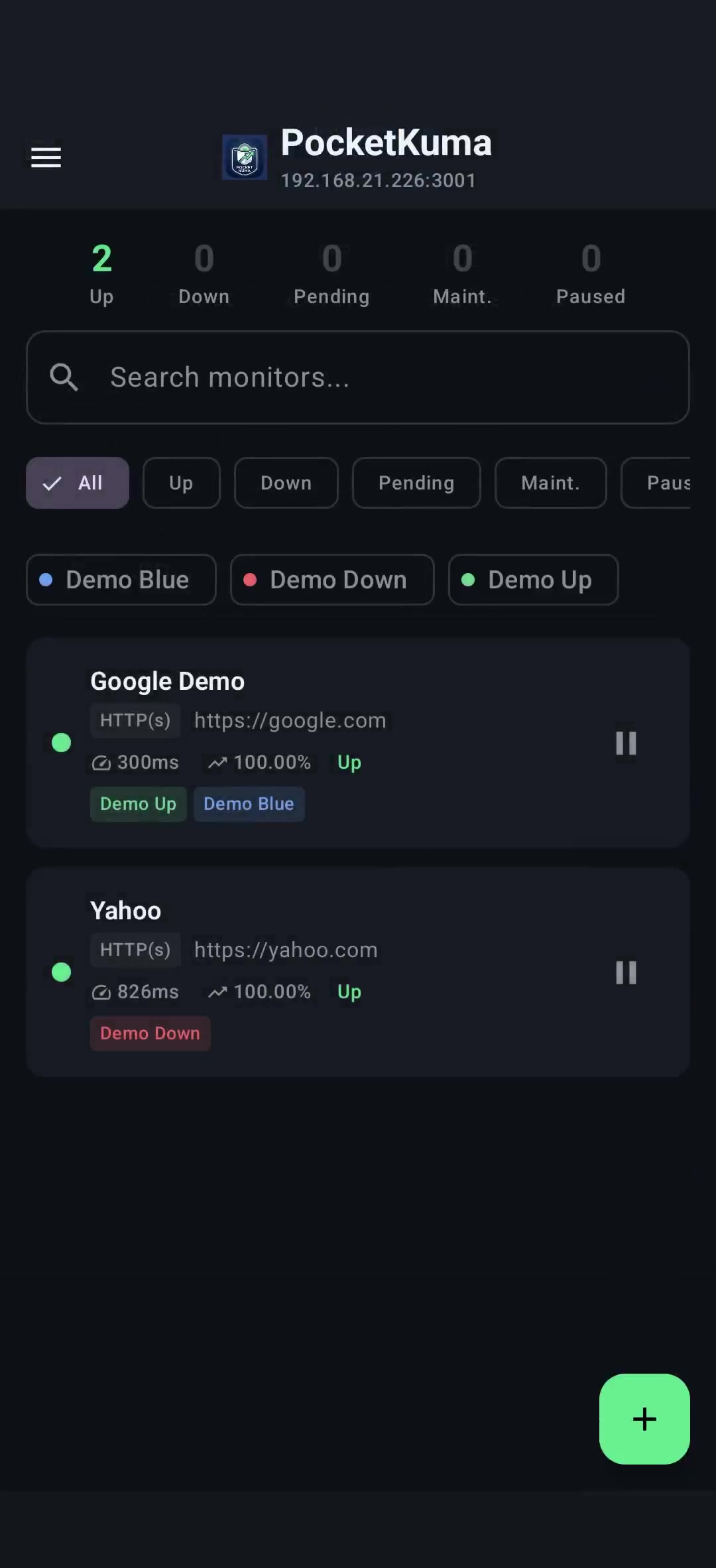
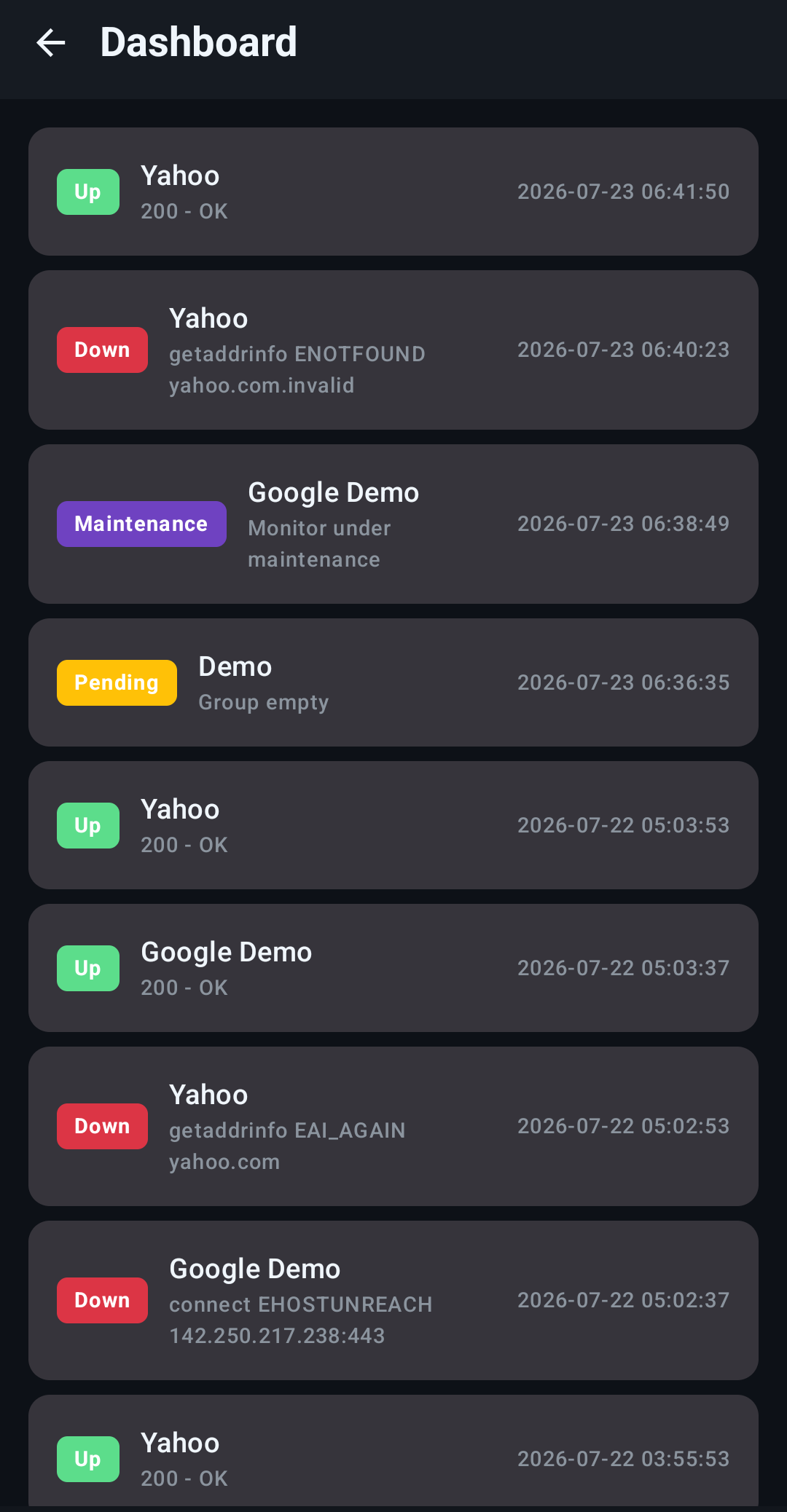
Live dashboard
See a live feed of changes detected by Uptime Kuma in the app the same as the web dashboard, with no polling or refresh buttons.
Monitor management
Manage all your monitors without leaving the app. Add, remove, edit, and pause with ease.
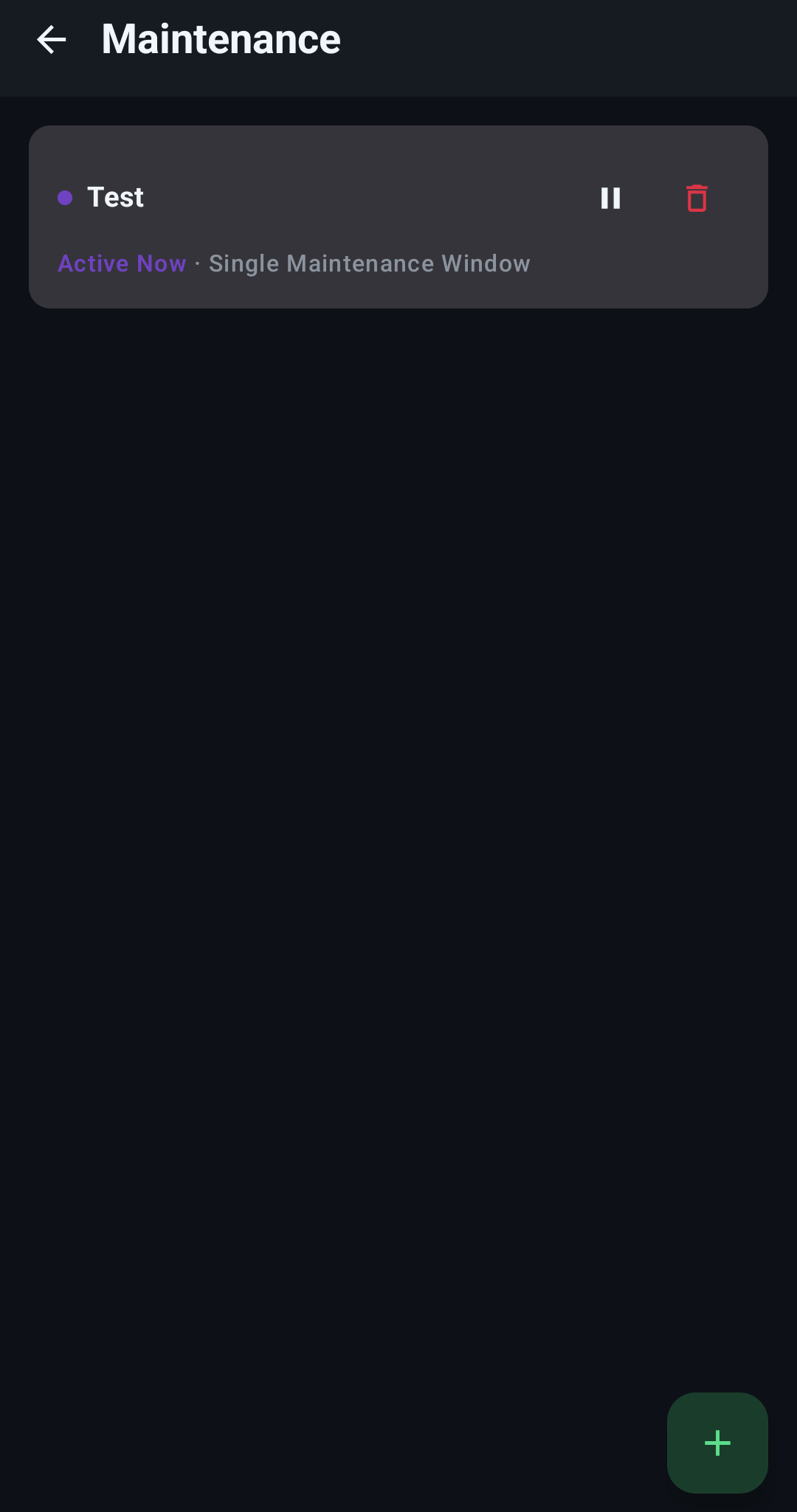
Maintenance window management
Schedule, edit, and delete maintenance windows without opening a browser on your phone.
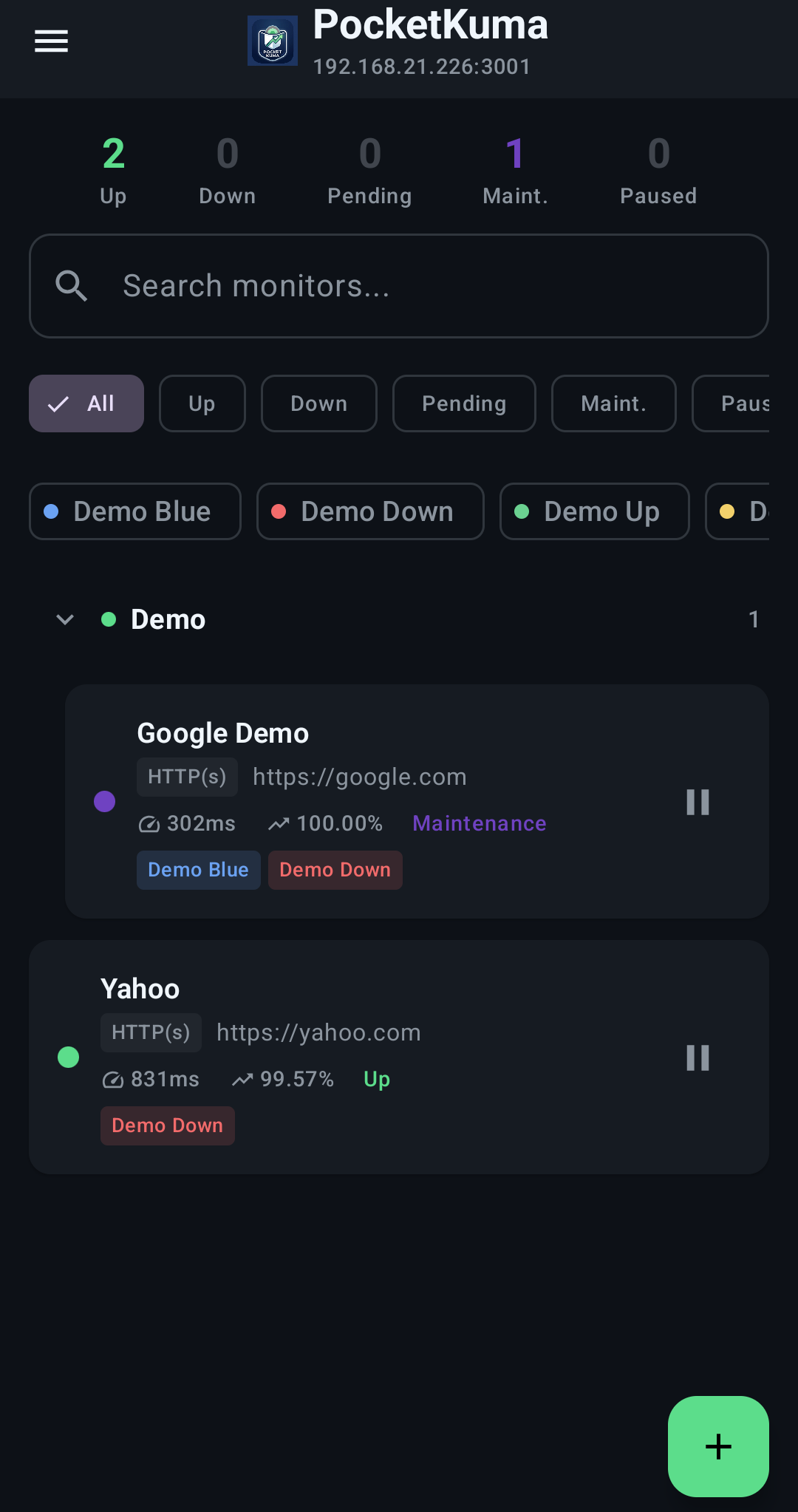
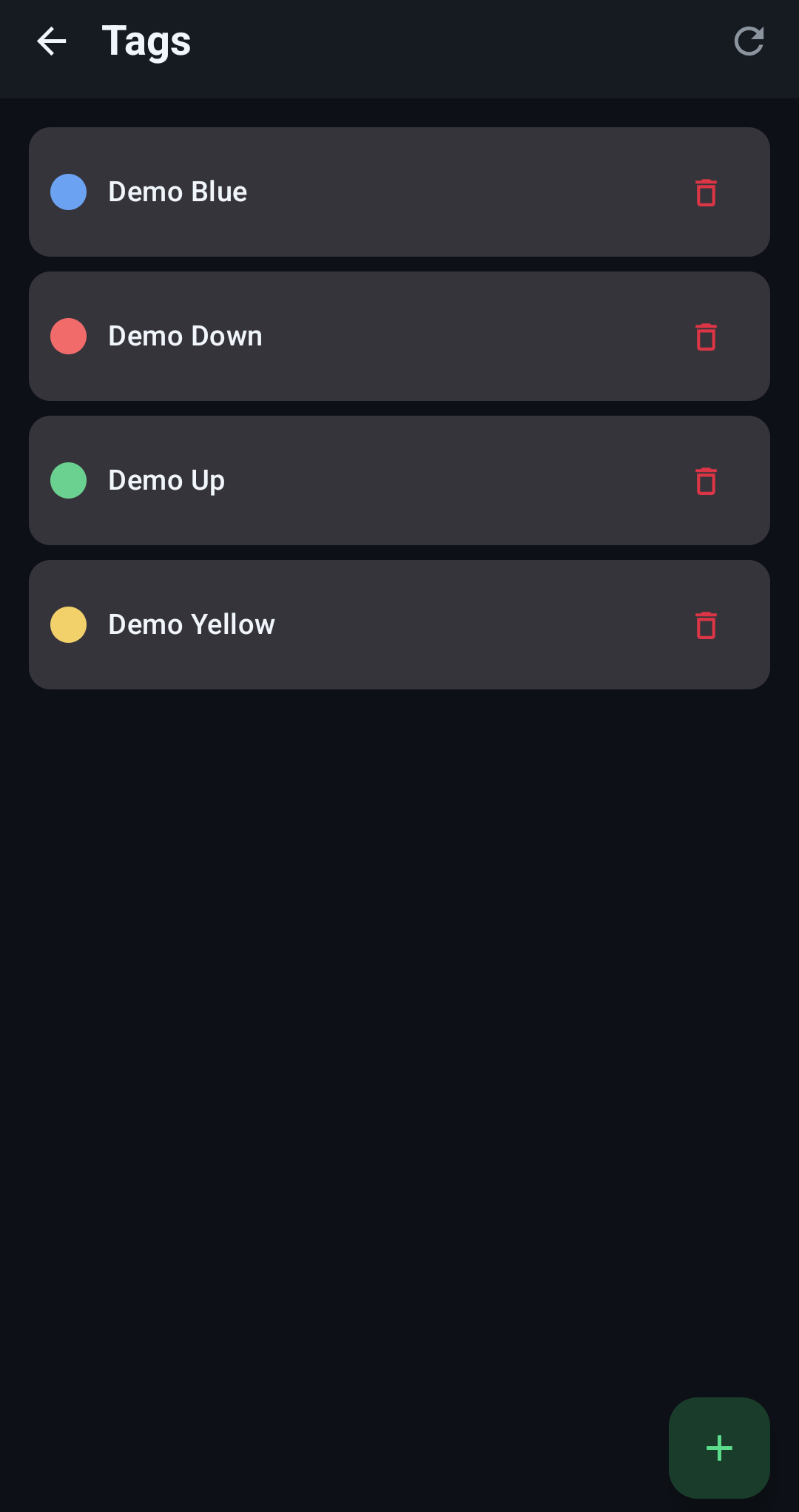
Tags & filtering
Organize and filter monitors the same way you already do on the web dashboard.
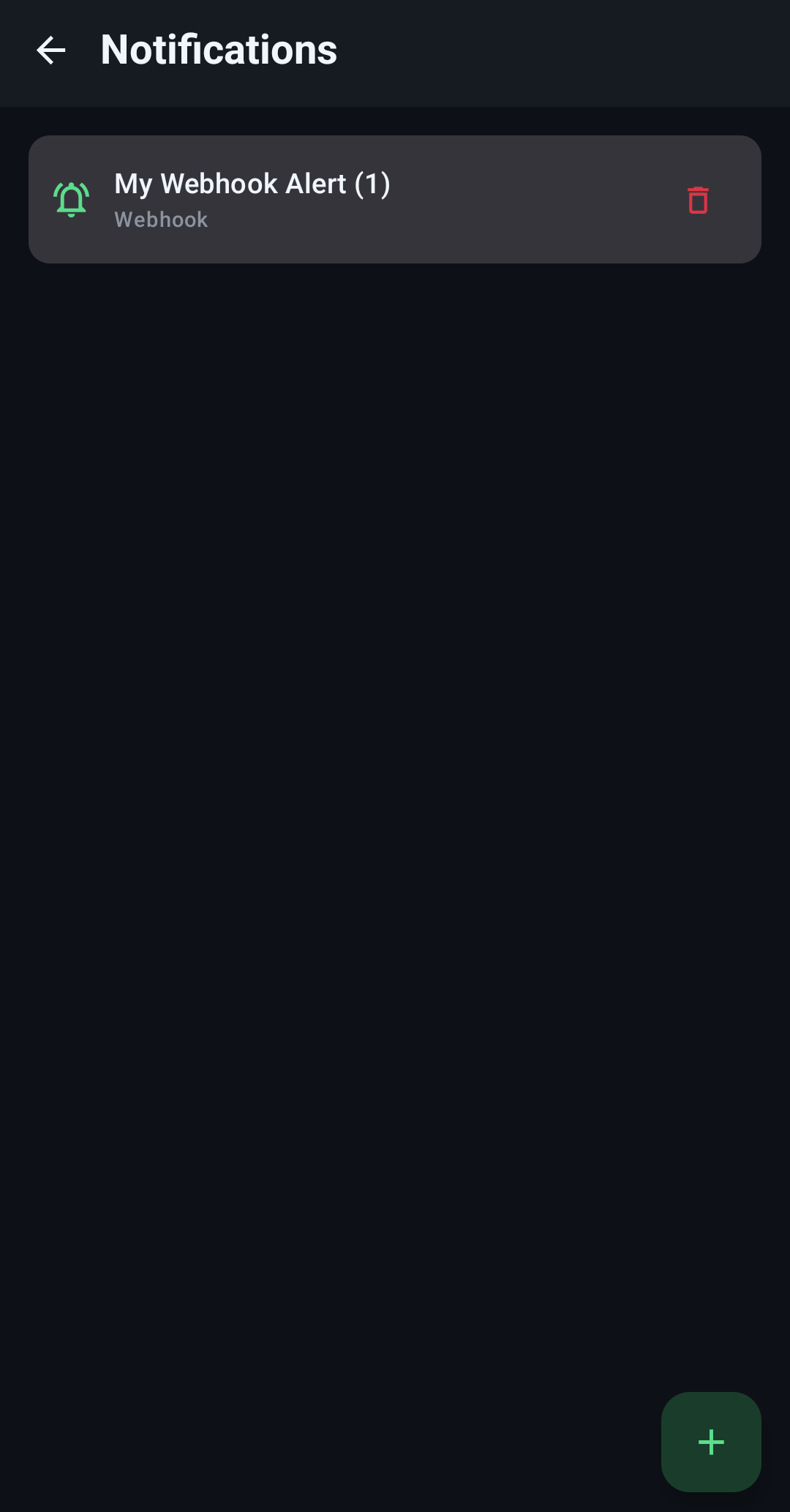
Notifications Administration
PocketKuma supports Uptime Kuma 90+ notification types.
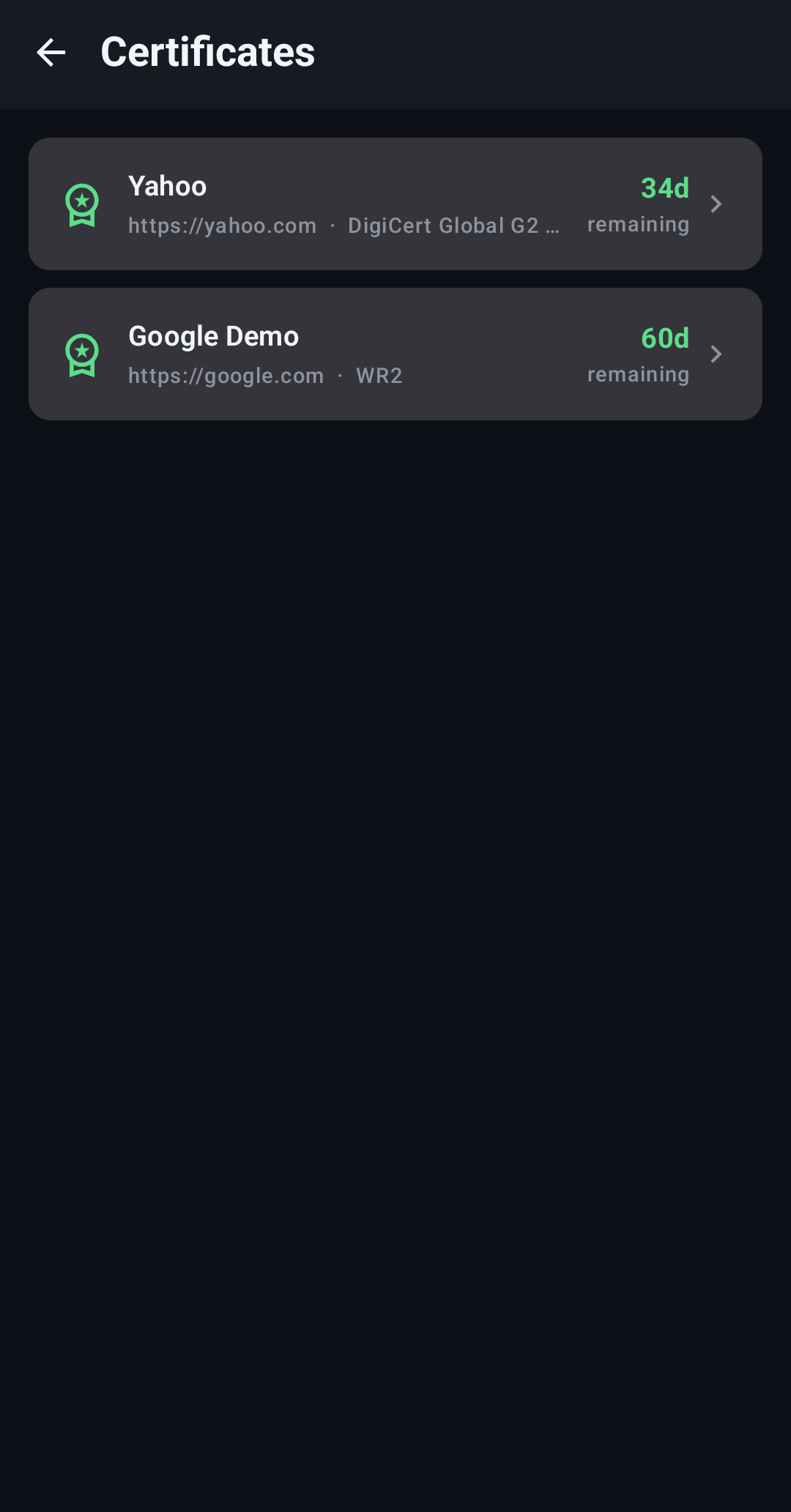
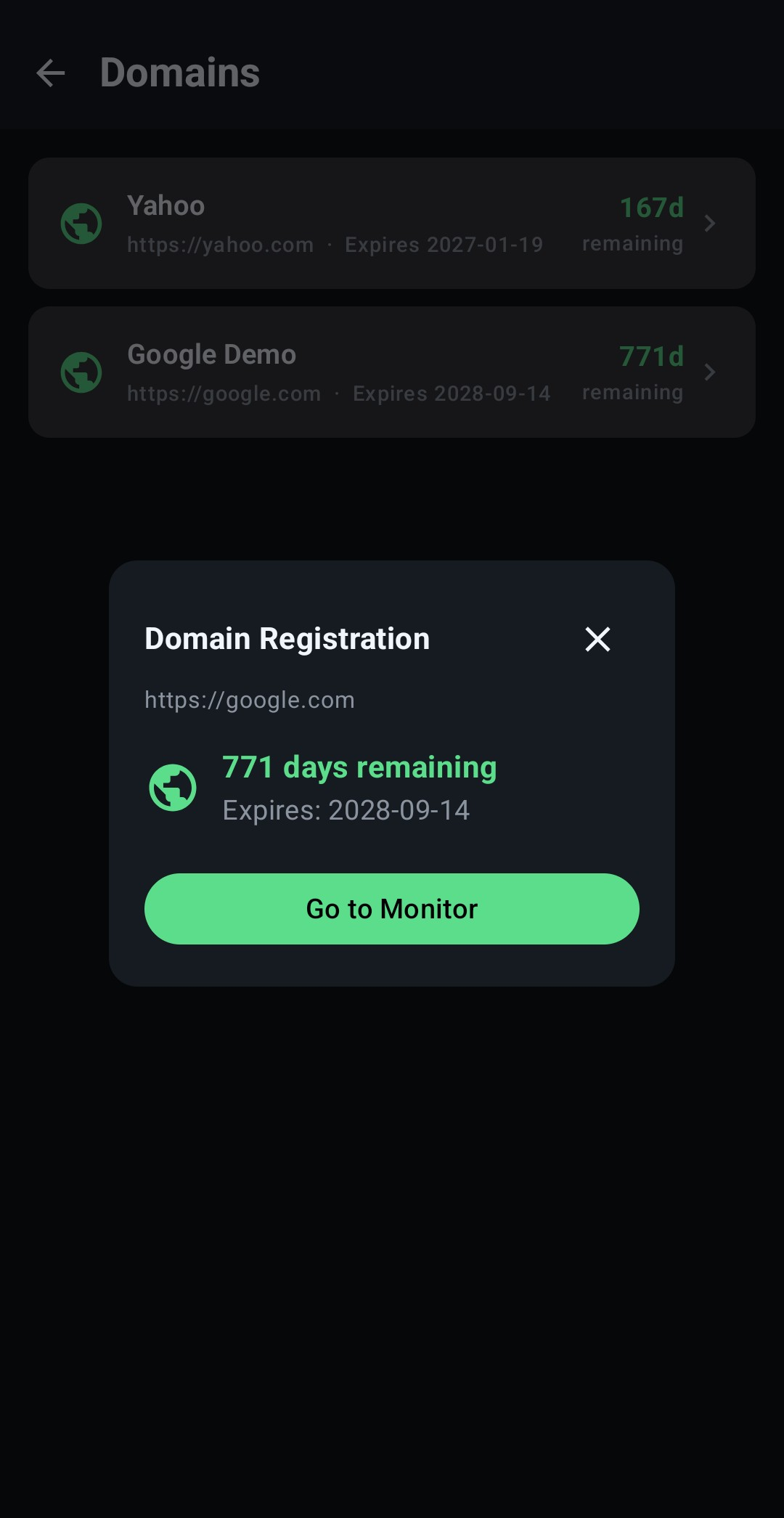
Certificate Dashboard
A single place to see all your certificates and their details
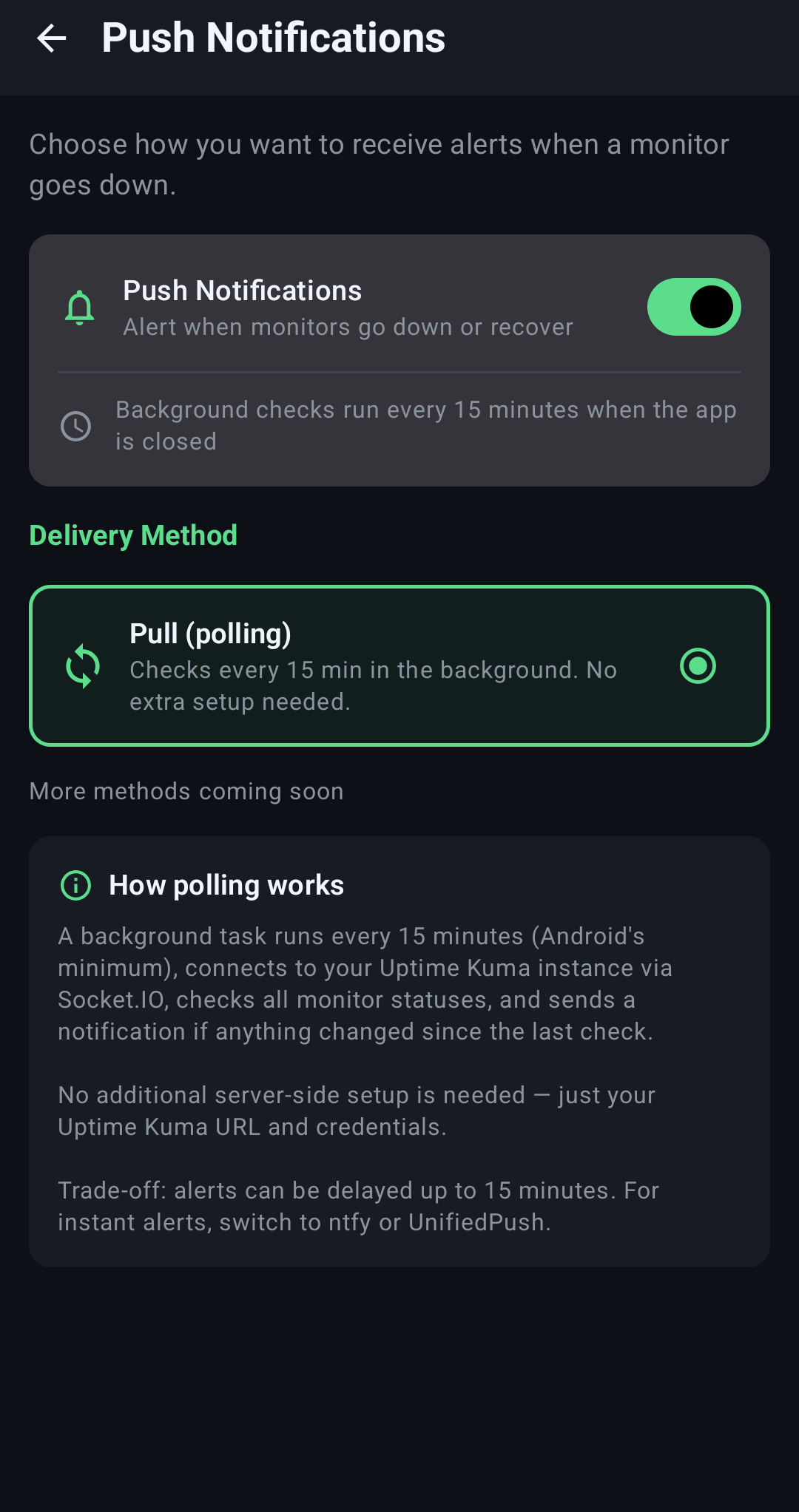
Client-Side Push/Polling Notifications
PocketKuma has its own up/pending/down notification system in case you don’t have server-side notifications.
SCREENSHOTS
A closer look
FAQ
Common questions people ask.
Where does my data go?
Nowhere but your server. PocketKuma connects directly to the Uptime Kuma instance you point it at without needing a relay, cloud account, or third party in between.
Does it work if my server uses two-factor authentication?
Yes, unlike some apps, 2FA-protected servers are fully supported.
Is PocketKuma free?
Yes, PocketKuma is currently free.
Is PocketKuma open source?
No, PocketKuma is currently not open source, but may be in the future.
Can I connect more than one server?
Yes, you can add as many Uptime Kuma instances as you want and switch between them from one app.
Which Uptime Kuma versions are supported?
PocketKuma was built on Uptime Kuma version 2.4.0. Other versions may work, but are not tested or supported.
Is PocketKuma "vibe coded"?
PocketKuma development uses AI responsibly. Please see the full AI disclosure at the bottom of this page.
Why is the app free? Where do you make your money?
I wrote PocketKuma for myself after feeling frustrated about the lack of options. I’m making it publicly available to all because without Uptime Kuma, this app wouldn’t exist, so it’s only right to follow Uptime Kuma’s free model.
Will this app be released in the Google Play Store?
Developer accounts for the Google Play Store costs money and this app is free. If I released it in the Play Store, I would have to charge for the app to make back that money, which I do not want to do.
Would you be open to collaborating with someone else to release it in the Play Store?
Yes. Please email me (admin) to collaborate. This domain name is the second part of the address.
Will this app be released to FDroid?
If the app becomes open source, I will release it to FDroid.
How are my login credentials protected?
Uptime Kuma issues all connecting apps (even the webclient) a token when you successfully authenticate. This token is then stored via Android’s Keystore system (with AES-256 encryption) and is also flagged to not allow backups.
What endpoints does the app communicate with?
PocketKuma only communicates with the Uptime Kuma servers you have added and GitHub. Once every 12 hours, or if you hit the check now button, PocketKuma checks the release versions to see if an update is available. Your data is not sent to GitHub, rather it pulls the latest version number and compares it locally to the installed version.
DOWNLOADS & SUPPORT
Download the app today!
PocketKuma is hosted on GitHub.
Found a bug?
Open an issue on GitHub with your Uptime Kuma version, PocketKuma version, how you got to the bug, and what you saw.
Report an issue →AI USE DISCLOSURE
I understand the reservations surrounding AI-generated software. Relying on a tool to write code without fully understanding either the tool or the output is risky and many wish to avoid it. However, developer assistance tools like autocomplete or online reference platforms have been standard practice for years before AI came on the scene.
Both the PocketKuma app and website were developed with the help of AI coding assistants. Depending on the task, this assistance ranged from simple word completion to refactoring functions for modern best practices. Crucially, every line of code was individually reviewed, vetted, and thoroughly tested by me.
Finally, AI involvement is strictly confined to the build process: the PocketKuma application itself contains no embedded AI features or runtime models.